Blender for Complete Beginners
Instructor Info
Alejandro Aguilar is currently working as a freelance artist primarily working on character art. He loves the freedom to schedule his own time and work on iconic characters. As a child, he always liked drawing and even made up a couple of his own original characters. He knew animation was what he wanted to pursue when he saw a college student's demo reel while he was in high school. His all time favorite game is Metroid Prime which really deepened his interest in 3d and inspired him to make art. Through his years of experience in the industry, his advice for beginners would be to try out as many parts of 3d art now to see where they enjoy working. Finding their interests and being aware of what they are good at is essential.
https://www.artstation.com/alexaguilar
Course Info
Want to learn how to use Blender? Do you have a hard time finding a good beginner Blender course that is easy to understand? Are you interested in working in the 3d industry as a 3d modeler, a texture artist or maybe an animator? Hi, my name is Alejandro Aguilar and I'll be teaching the basics of these aspects of 3d and more in Blender for people completely new to 3D art. To know a little bit about me - I’ve worked in 3D for about 5 years now, ranging from mobile games to video production. Now I want to teach what I know to new and upcoming artists like you!
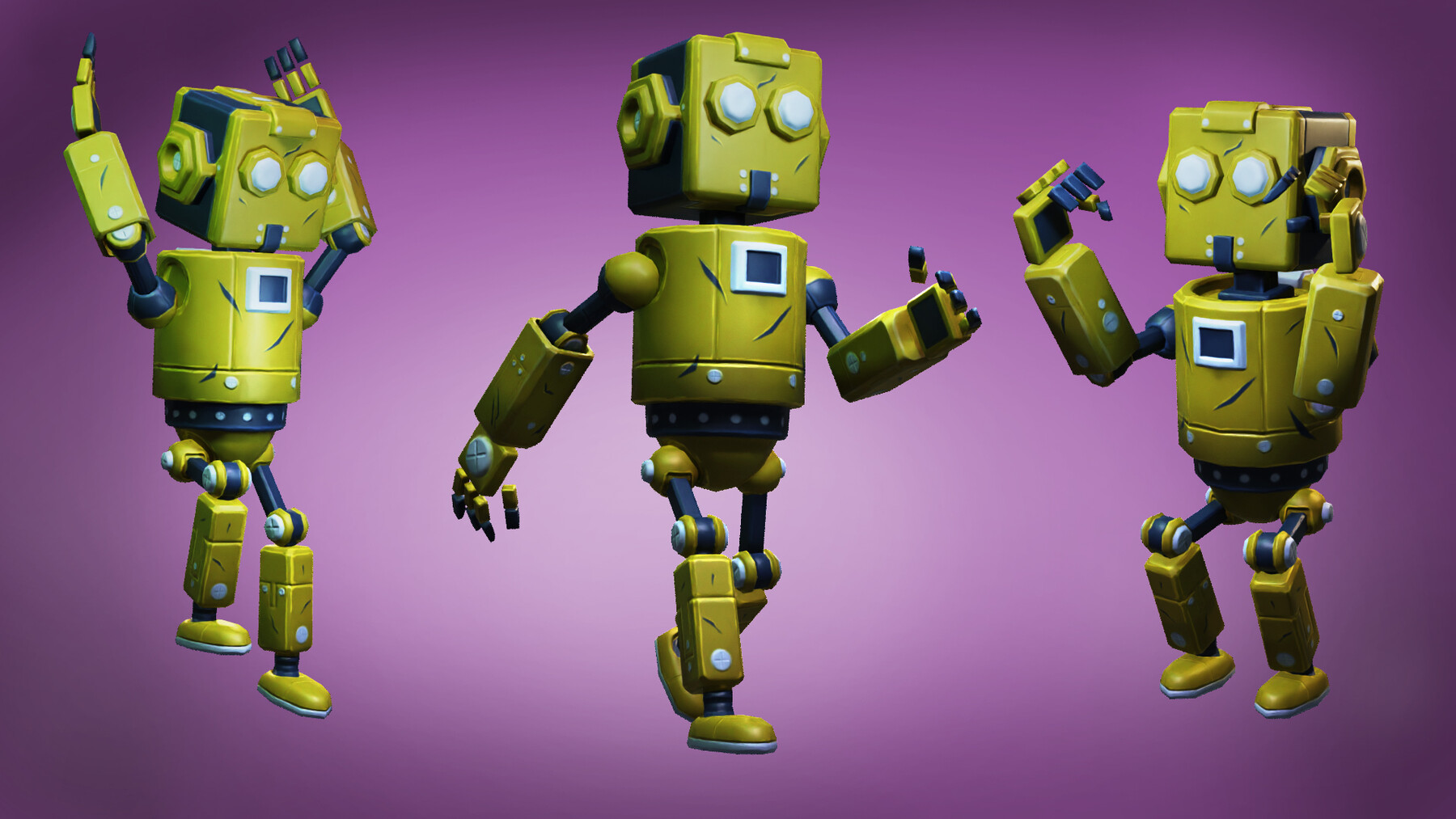
To get an idea of what we'll be going through this course, we will be creating a character from start to finish in 3D. We'll start with modeling and sculpting, to work our way into blocking out the shapes we need. I’ll be showing you how to move, scale, extrude, and cut objects with tools inside Blender. These tools are essential, as these will be your first steps in understanding how to work in 3D. I’ll even show some more advanced tips to give you an idea of how to think when creating our character!
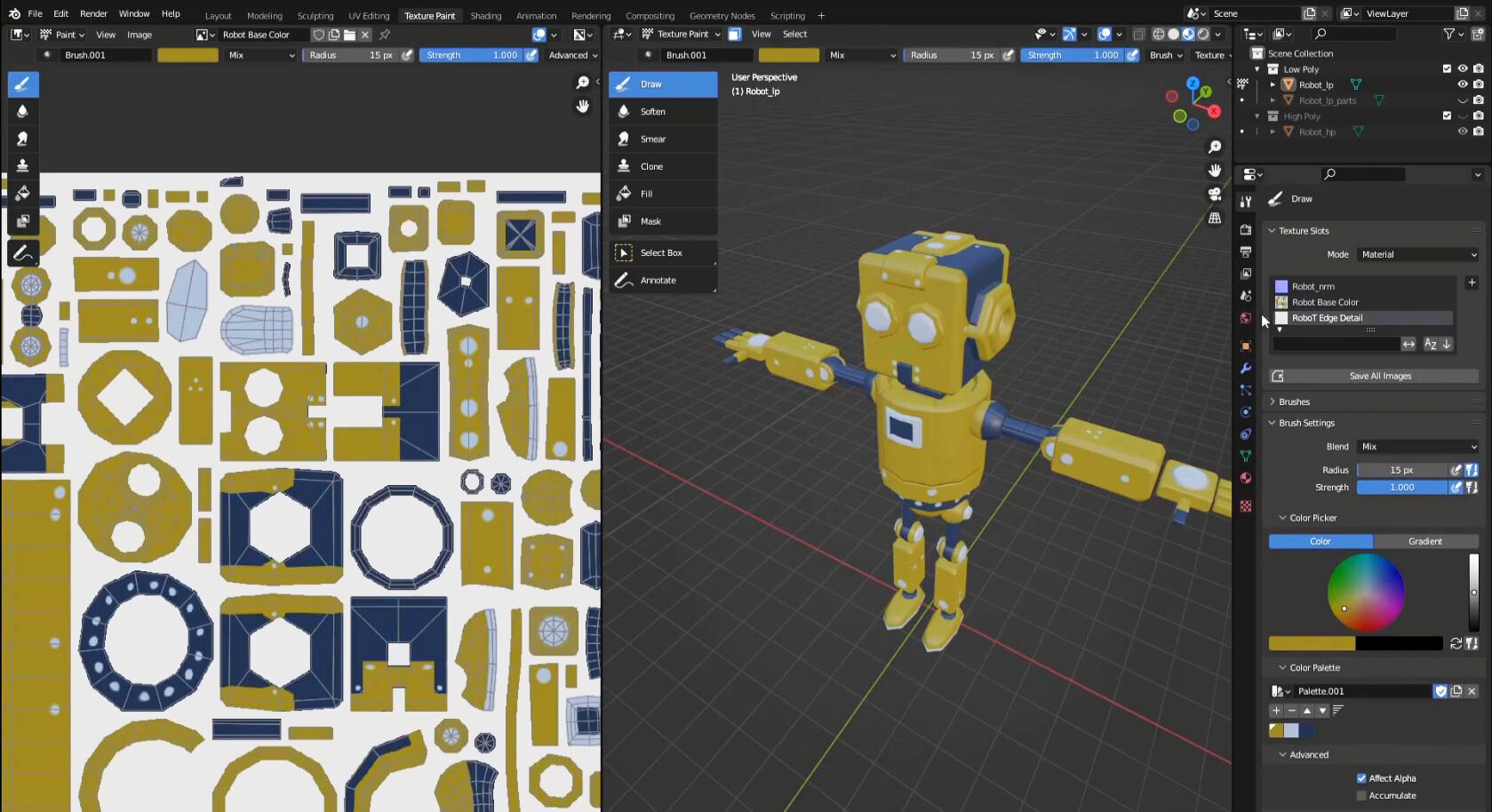
From there, we'll move on to unwrapping and texture painting, all within Blender. It’s important to understand these workflows if you are trying to paint your art. Unwrapping will cover what UVs are and why a clean, and organized layout is essential. This part of the course will also cover how to paint in 3D. We’ll use the shader editor in Blender as well to get a bit more advanced with our materials. I’ll show you some ways you can expand on texture painting to give more detail to your work!
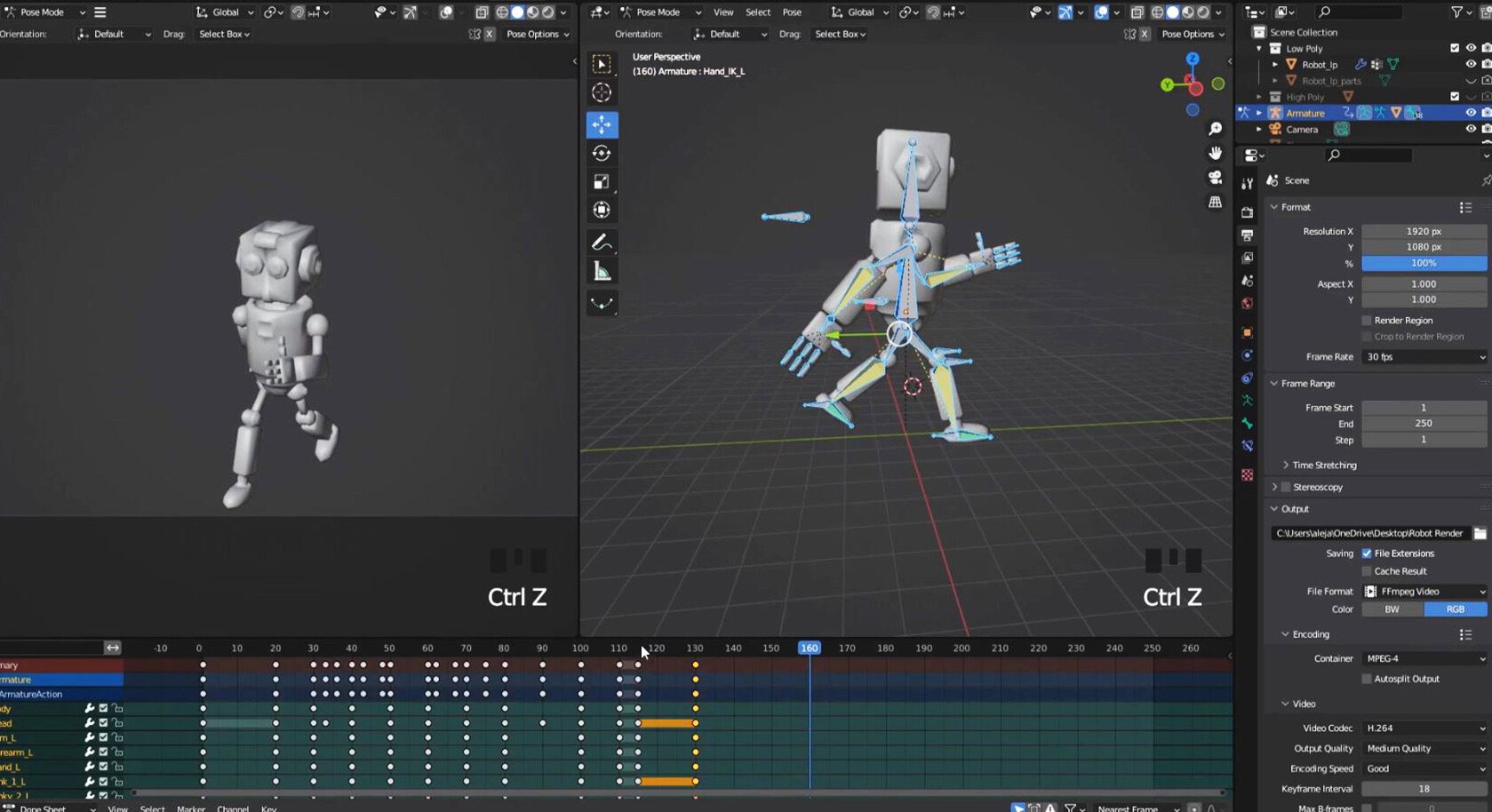
We'll finish up by making an animation of our character moving within a 3D space. You’ll learn how to animate the character jumping in the air, as well as transitioning into a walk cycle. I’ll also cover how to organize keyframes and understand why they are essential to animating in Blender. The last part of the course will show you how to render out the animation and images of the character, so you can get a full experience of the aspects in 3D art.
So lets get this course started! I’m here to teach you in a way to impact and make your 3D artwork better. You will definitely get the knowledge you need, and I’ll make sure to show you in an easy to understand way. The content you watch here will push and challenge you to become the best version of yourself. So join me, and I’ll teach you how to get started on your 3D career!
What you'll learn:
- How to navigate in Blender for the first time
- Modeling and sculpting to block out shapes
- Retopologizing for clean topology
- Unwrapping and texturing
- How to rig and fix skin weights
- How to animate and organize keyframes
- Render out animation and images of character
Requirements:
- Blender 3.0 or higher
What you will get:
- Video files
- Project files